Why We're Different

Integrate
Integrate popular data sources with Excel to import data with one click

Automate
Refresh spreadsheet data automatically or on demand for to-the-moment reports and dashboards

Extend
Extend the value of the applications you already have, while letting teams work where they want
Your HubSpot Data Should Work as Hard as You Do
Most teams spend hours exporting, formatting, and re-uploading data.
ExtendInsights connects HubSpot directly to Excel so your reports are always current and your data is always in sync.
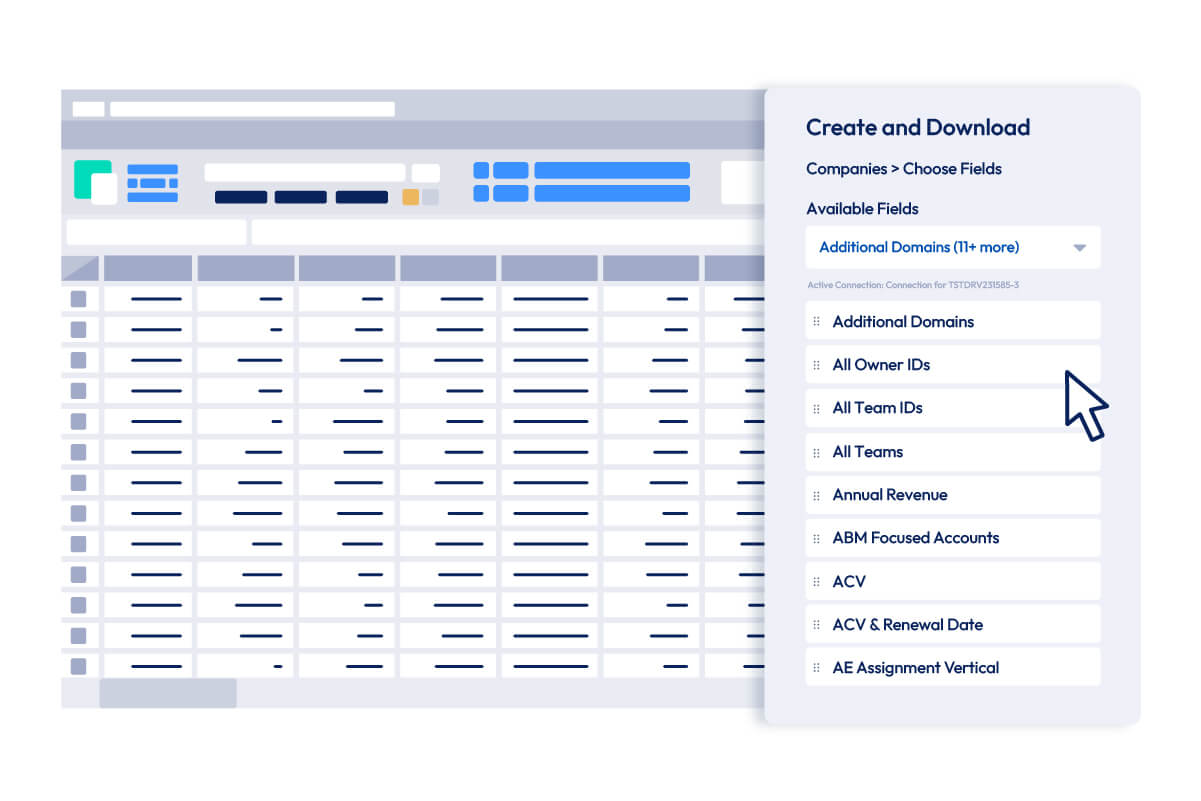
Pull Any HubSpot Object into Excel in Seconds
Choose your object, set your filters, select your columns, and pull. Your data lands in a structured Excel table while maintaining the connection to the live HubSpot record, ready for formulas, pivot tables, and charts.
- Every standard and custom field available as a column, no coding required
- Filter before you pull so only the records you need land in the sheet
- Combine multiple objects across tabs to build reports that span your full HubSpot dataset

Write Updates Back to HubSpot without Leaving Excel
Edit deal stages, update contact properties, or close out tickets right in your spreadsheet. A single click pushes the changes back to HubSpot, no browser tab required.
- Edit in bulk to update dozens of records at once instead of one at a time in HubSpot
- Changes highlight before sync so you can review before anything is committed
- Create, update, and delete contacts and companies directly from your workbook
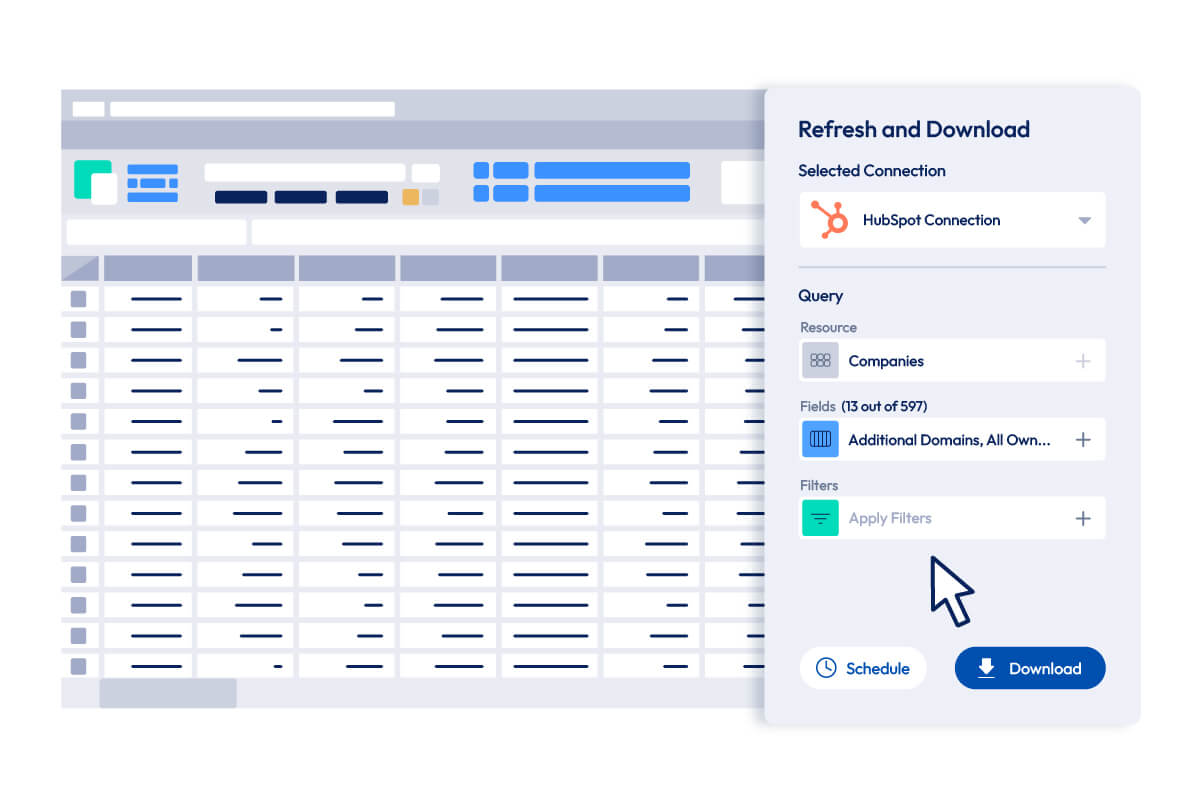
Your Reports Refresh Themselves
Set a schedule and walk away. ExtendInsights will pull the latest HubSpot data into your workbook automatically, so your team always has current numbers without anyone needing to trigger a manual refresh.
- Daily, weekly, or hourly schedules so data is always as fresh as your team needs
- Share with anyone so they see live data even without a HubSpot login
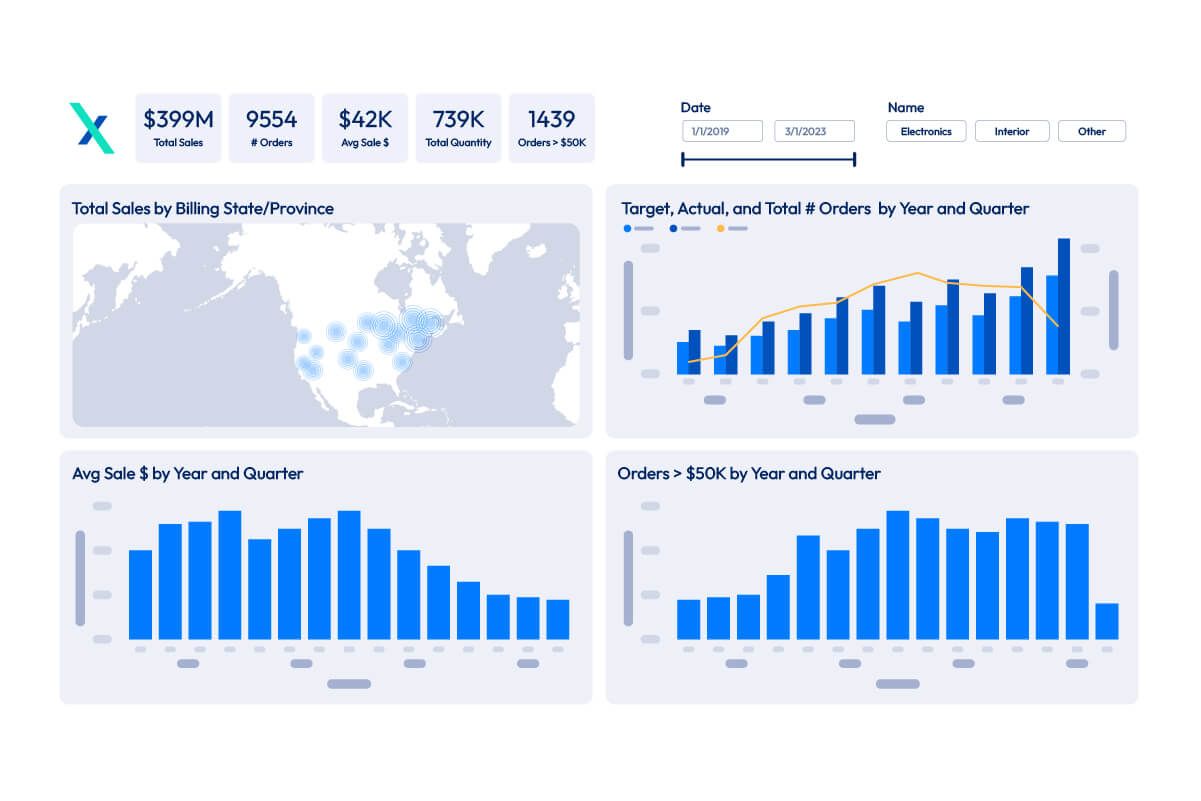
Build HubSpot Dashboards Your Way, Right in Excel
Use every Excel feature you already know: pivot tables, VLOOKUP, charts, conditional formatting. ExtendInsights provides the live data. You provide the analysis.
- Merge HubSpot with other sources to combine deals data with finance data in one report
- Connect your workbook to Power BI for enterprise-grade visualization
- Share Excel reports so the right people can see the data without needing their own HubSpot or ExtendInsights license
Integrate HubSpot with These Destinations

Microsoft Excel

Power BI
Here’s What You’ll Love About ExtendInsights
Instant Data Imports
-
- Quick installation with near-immediate ROI
- Import data to Excel with a single click
Effortlessly Report and Analyze
-
- Build reports and dashboards with one or more queries in Excel
- Refresh data automatically on a schedule, or on-demand as needed
Combine and Share
-
- Combine data from other sources into one workbook or dashboard
- Share or embed reports for easy access across the organization
Safe and Secure
-
- No data is ever saved or stored on CloudExtend’s servers
- Logins maintain the security parameters of existing systems
Thousands of World-Class Organizations Rely on CloudExtend
















Latest News and Resources



Be Confident in Your Data’s Security
CloudExtend helps you work better with your data, but we will never store or save any of it—and all of our product logins leverage the existing security parameters of your connected data sources.