Email is Where Deals Actually Move Forward. ExtendSync Makes Sure NetSuite Knows That.
Most customer activity never makes it into the CRM. Emails stay trapped in inboxes. Calendar meetings go untracked. Important files live in attachments no one can find. ExtendSync eliminates all of that: Automatically sync Outlook and Gmail messages, events, and files to NetSuite without changing how your team works.



How CloudExtend Works
CloudExtend’s ExtendSync is a direct integration app for email applications. ExtendSync connects to Microsoft Outlook and Google Workspace to attach emails and files, sync calendar events, and create, edit, and delete contact records from email to NetSuite right inside your inbox.

Integrate
Integrate Outlook and Gmail with NetSuite to easily connect data and files.

Automate
Automatically sync emails as well as both one-time and recurring events

Extend
Extend the value of the applications you already have, while letting teams work where they want.

Create and Edit NetSuite Contacts
No more toggling between screens to add a new contact who just emailed you or update information based on a reply. Create a new contact record or search and edit an existing one without leaving your inbox.

Automatically Add Email Messages
Break through information silos by automatically syncing any email communication by thread or by email address to specific NetSuite records. Admins can also set Global Autopilot to automatically sync every email that lands in specified inboxes.
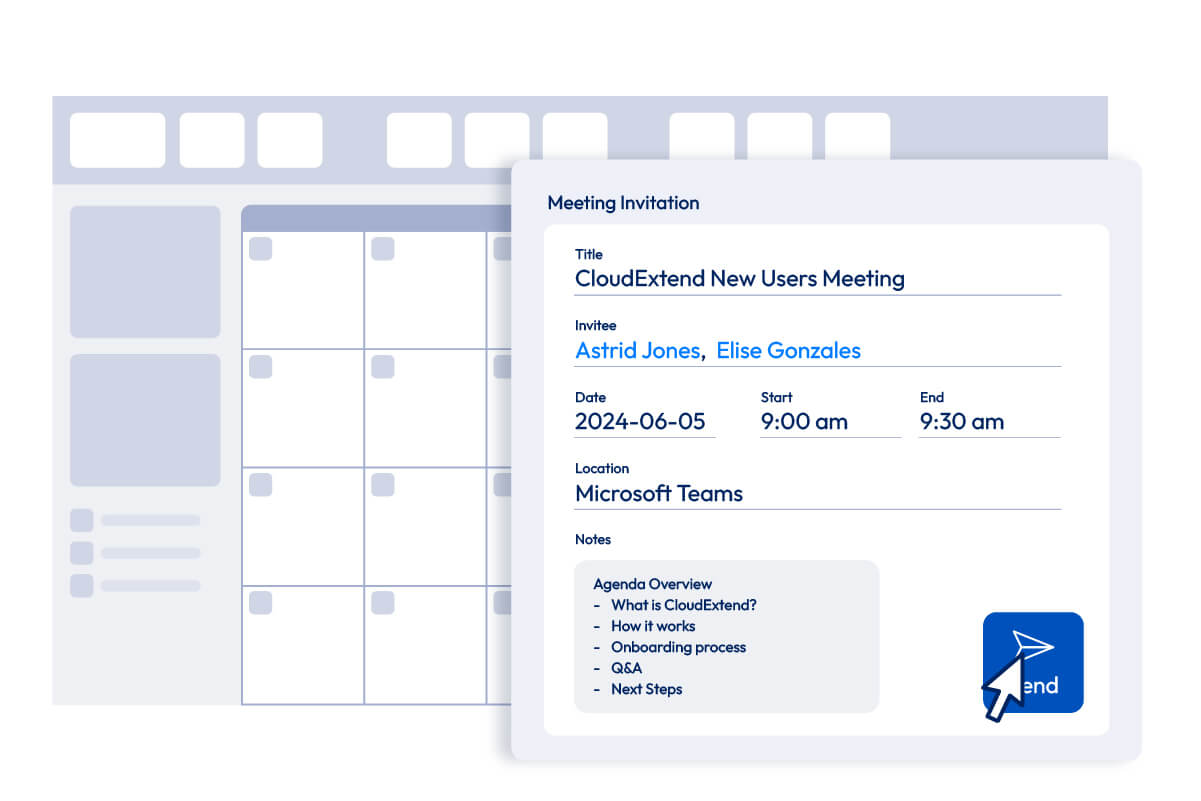
Keep Calendars Updated
Whether the event is created in NetSuite or in your email calendar, it will sync back and forth to easily track prospect and customer meetings and calls.
Reduce File Storage Costs
Leverage Google Drive, OneDrive, or Sharepoint to save on storage in NetSuite.
Join Thousands of Leading Organizations Already Using CloudExtend
















Powerful ExtendSync Features
Whether you work in Microsoft Outlook or Gmail, we have a solution that’s right your inbox needs.
 EmailSync
 —
— CalendarSync
 Platform & Support